SEO Nav Menu
SEO Task Manager | Project Management for SEO Teams | SEOScaleUp
✅ Team Productivity Hub No Signup

Master Your SEO Workflow
With One Task Manager

Stop juggling spreadsheets and missed deadlines. Our SEO Task Manager centralizes projects, client work, content plans, and backlink tracking — so your team ships faster.
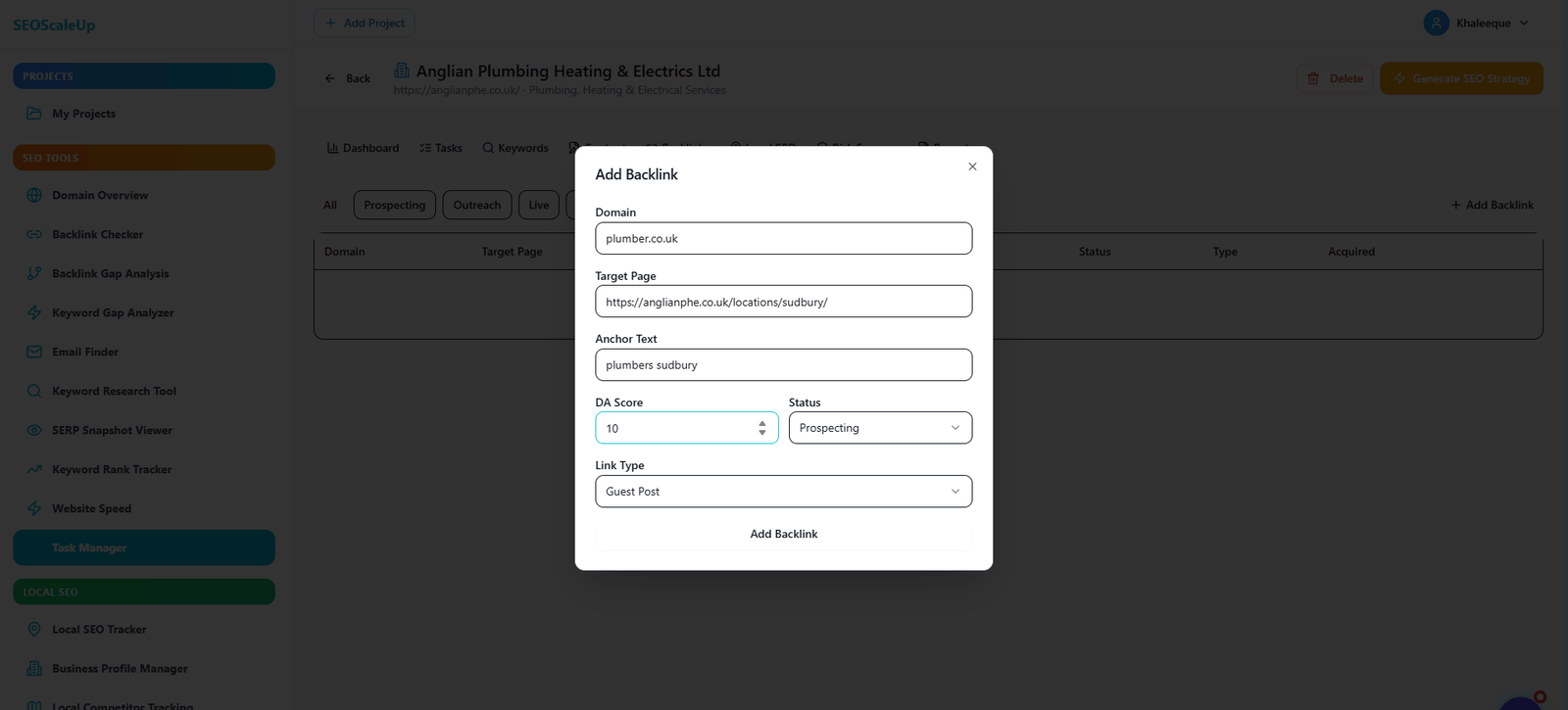
Client onboarding
Task automation
Team collaboration
Deadline tracking
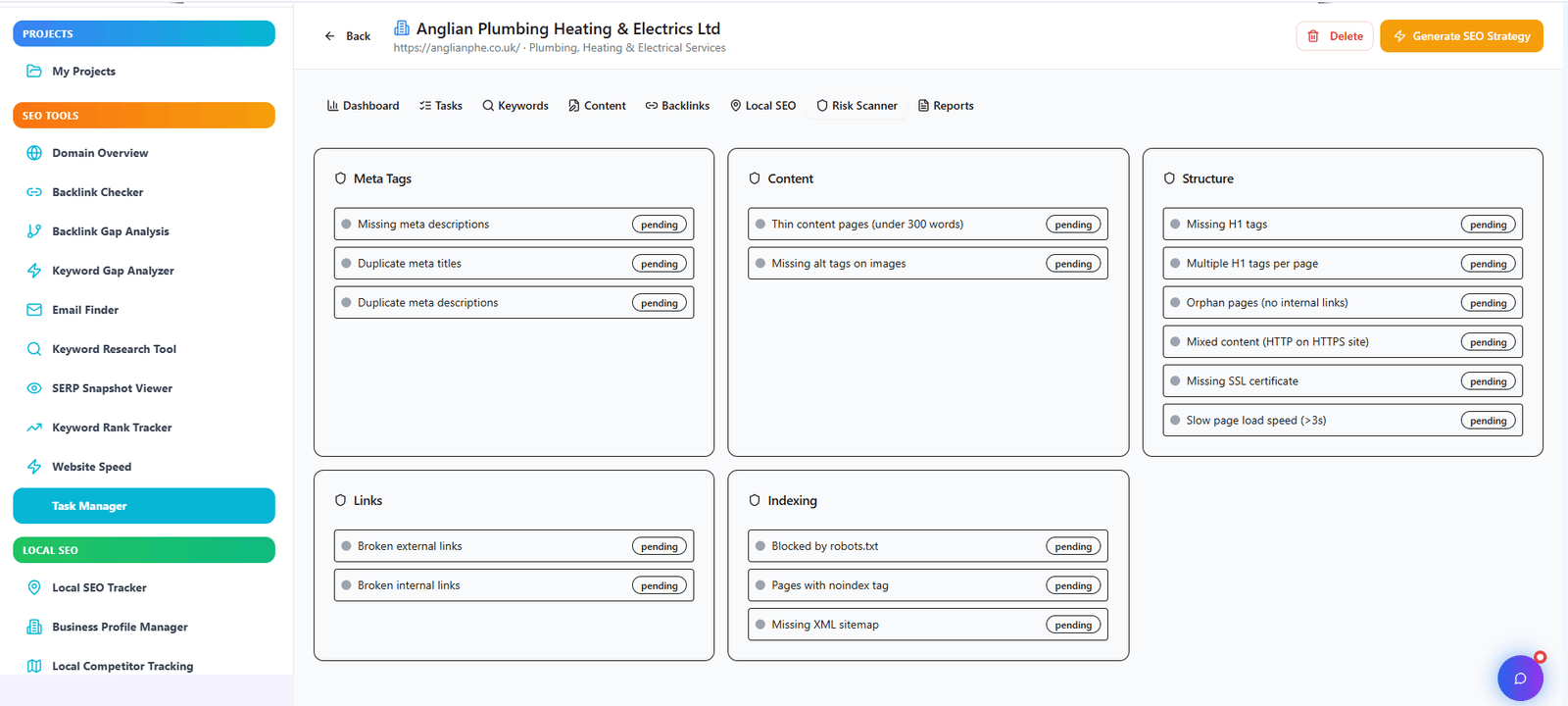
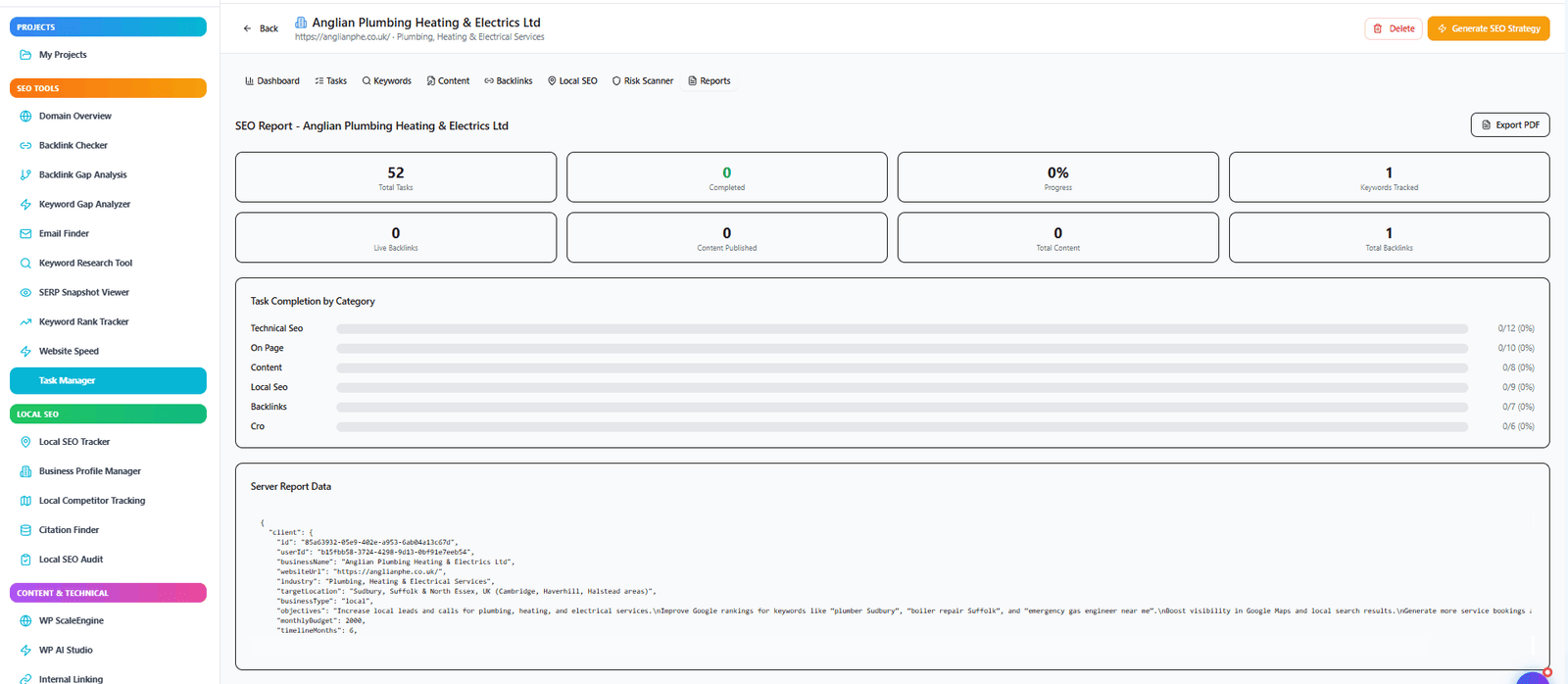
SEO Task Manager dashboard showing project overview and tasks
📋
1,240+
Tasks Completed
⏱️
62%
Faster Delivery
50K+
Tasks Managed
8K+
Active Projects
2.5s
Avg Task Creation
100%
Free Core Features
15+
Integration Options
🔍 Centralized Command

What is an SEO Task Manager?

Running an SEO agency or in-house team means tracking audits, content calendars, link building, and client communication. Without a dedicated system, things fall through the cracks.

SEOScaleUp Task Manager combines project management with SEO-specific workflows — from keyword tracking to backlink outreach. Assign tasks, set deadlines, attach reports, and monitor progress all in one dashboard.

Client Onboarding Content Planning Link Outreach Technical SEO
📊

40% less admin

time wasted on status updates and email threads

🚀

2x faster delivery

with automated reminders and templates
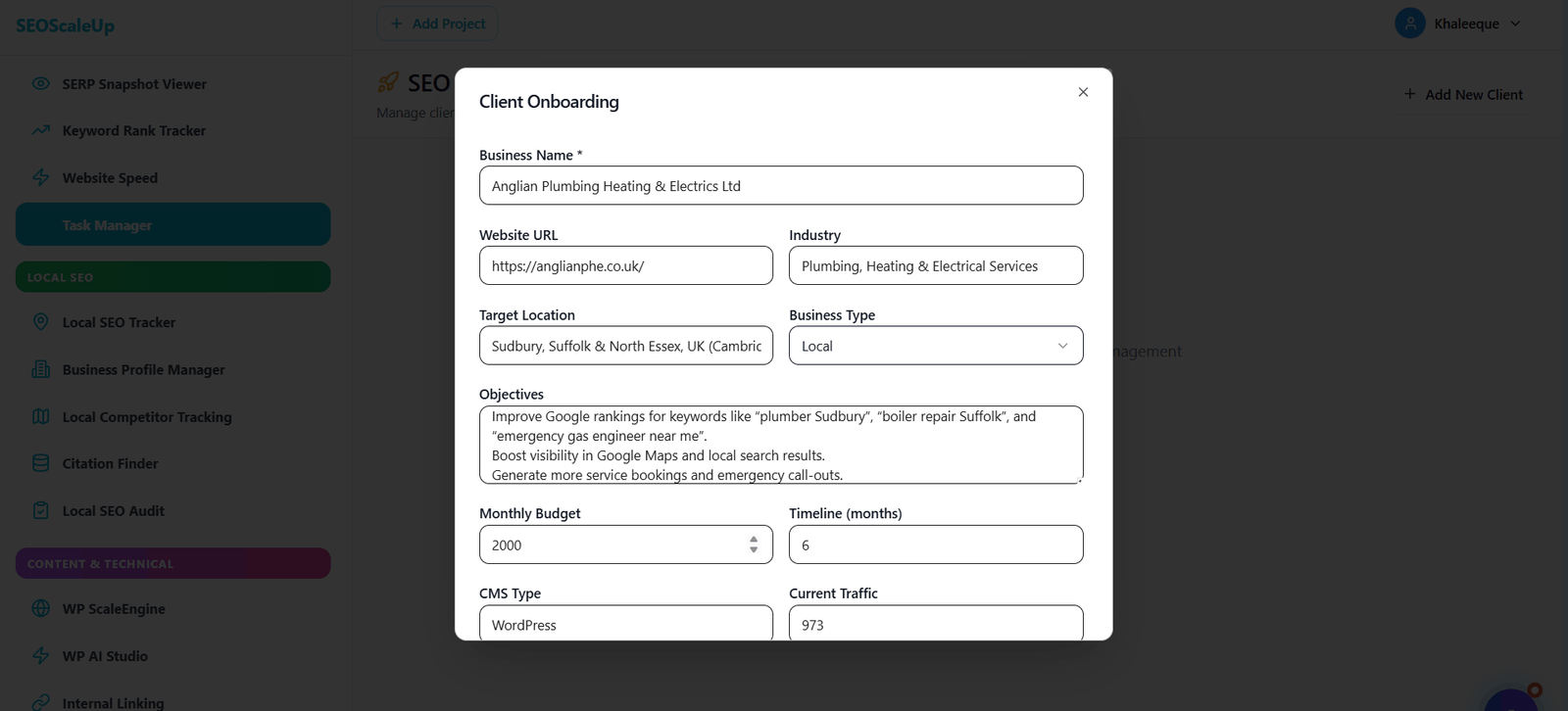
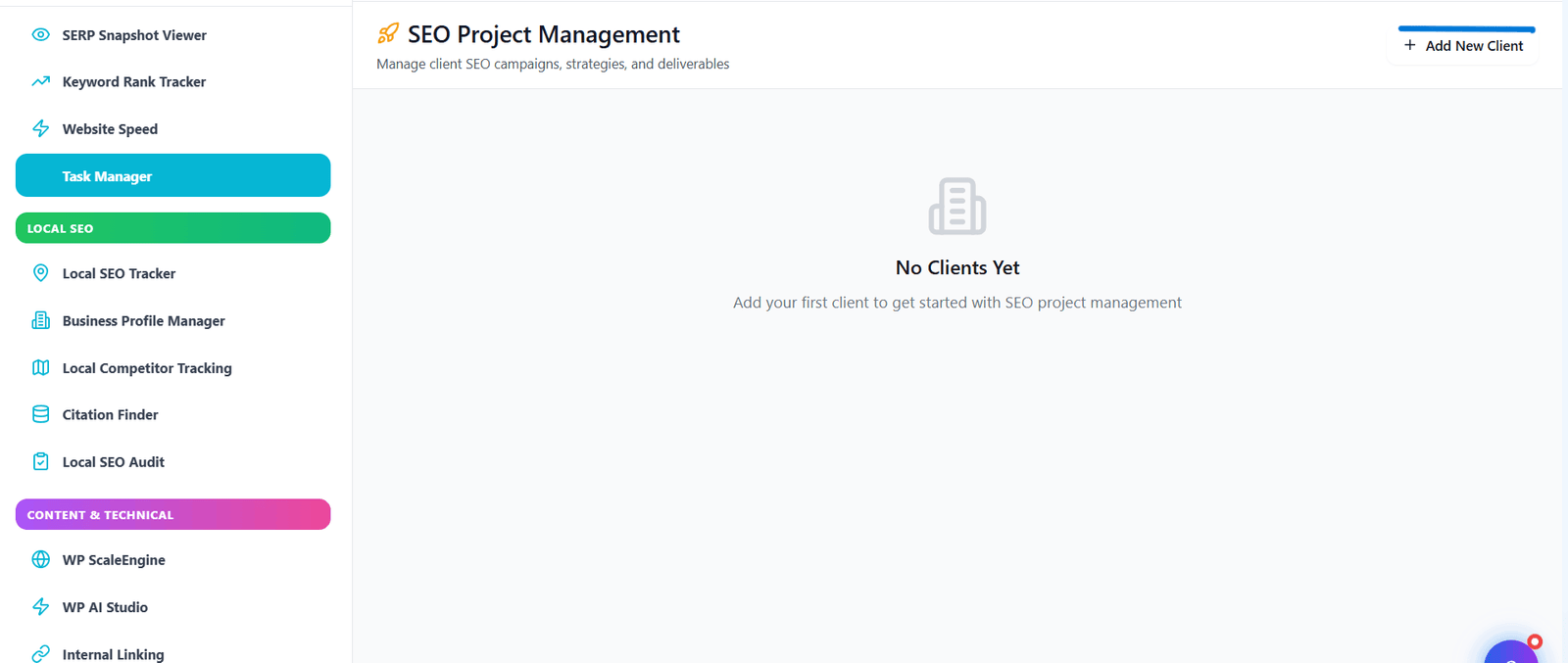
Task Manager client onboarding form showing structured data collection
⚡ all-in-one workspace

Everything you need to run SEO projects flawlessly

From kickoff to reporting — keep every moving piece visible.
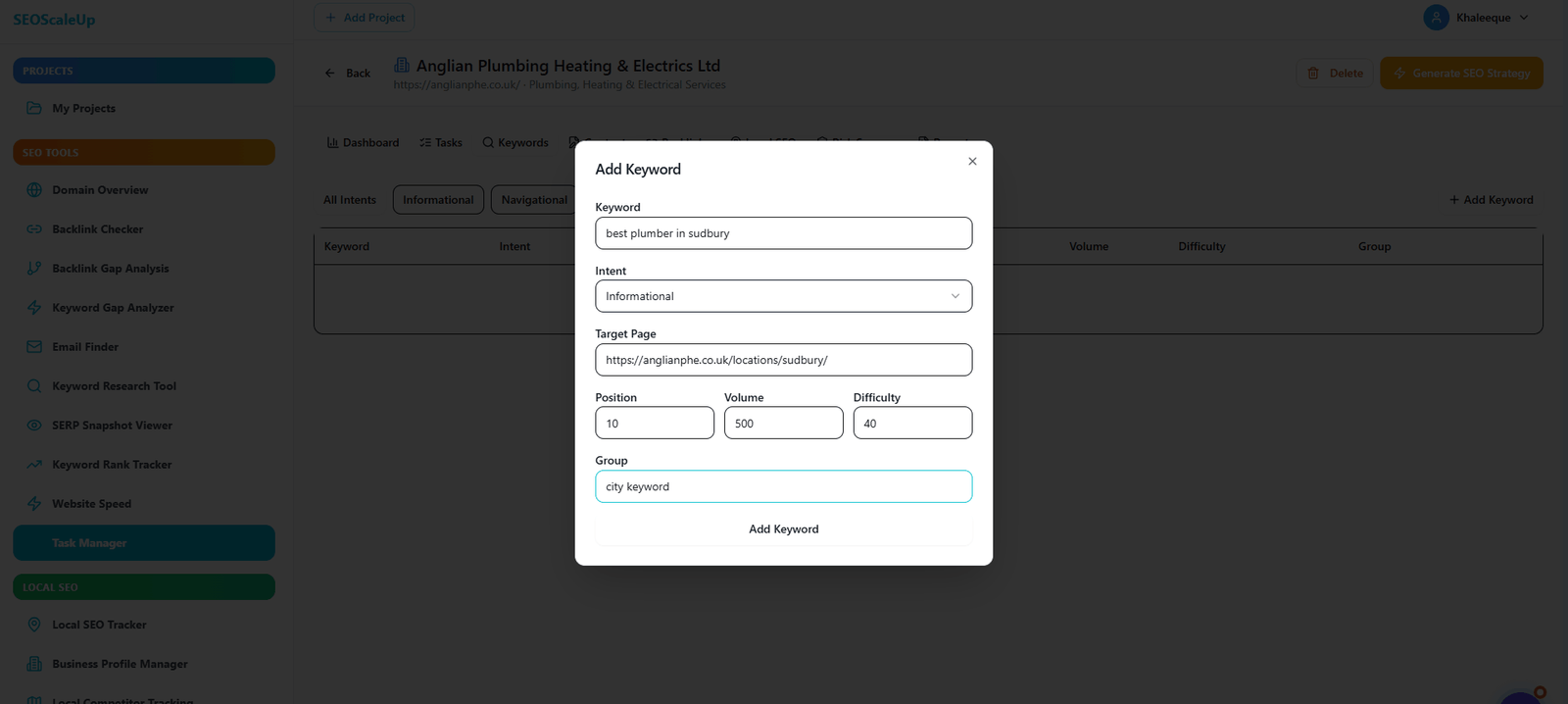
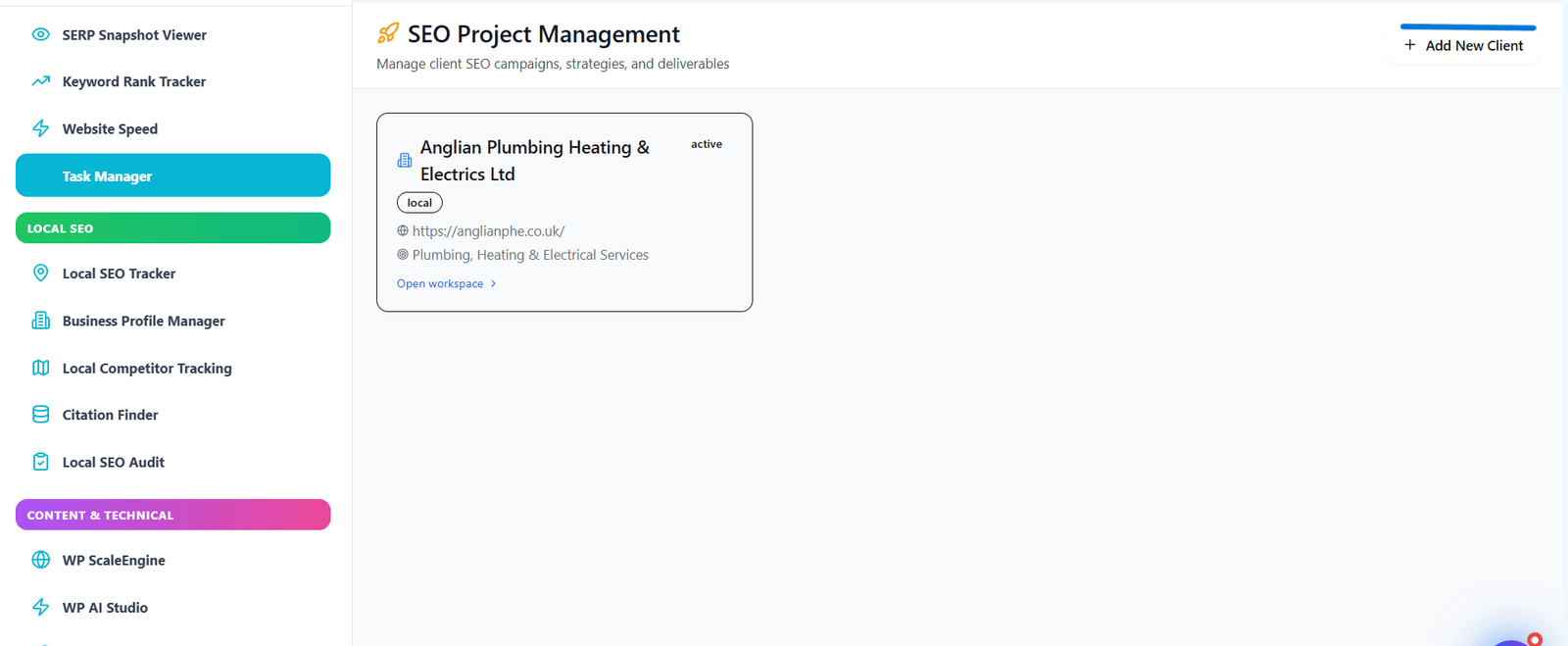
Client Workspaces

Separate projects for each client with custom branding, access controls, and task history.

→ Why it matters: Never mix up client deliverables or access

Recurring Task Templates

Create reusable SEO checklists — monthly audits, weekly reports, quarterly backlink reviews.

→ Why it matters: Standardize quality and save 10+ hours/month on setup

Automated Reminders

Email and in-app notifications for upcoming deadlines, overdue tasks, and approvals.

→ Why it matters: Reduce missed deadlines by 85% without nagging

Team Comments & Attachments

Discuss tasks, upload files, and tag teammates directly on each task card.

→ Why it matters: Eliminate messy email chains and lost file versions

Progress Dashboards

Visual burndown charts, task completion rates, and team workload views.

→ Why it matters: Spot bottlenecks before they impact client delivery

Keyword & Content Integration

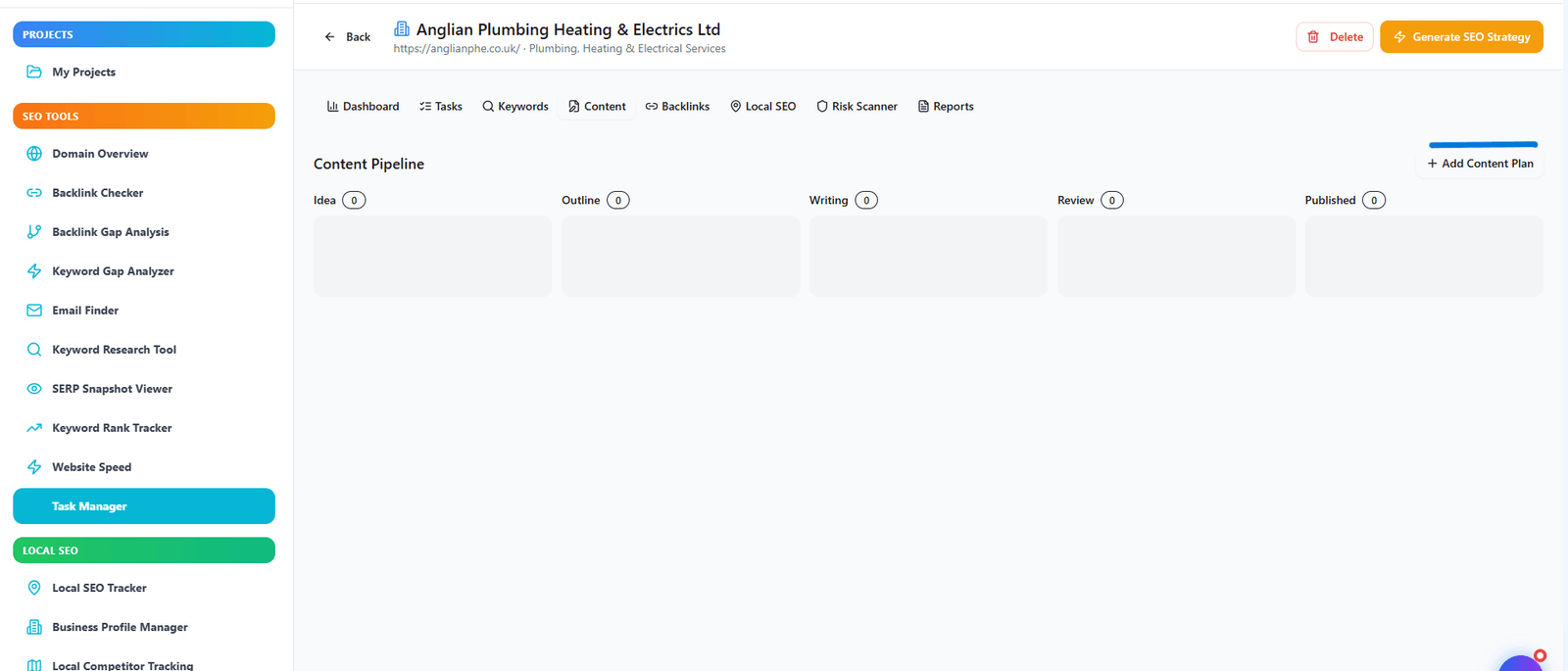
Link keyword rankings, content plans, and backlink targets directly to tasks.

→ Why it matters: Connect SEO data to action items without switching tabs

Time Tracking & Logging

Log hours per task, generate timesheets, and analyze team efficiency.

→ Why it matters: Accurately bill clients and measure profitability

Reporting Automations

Generate client-ready reports with task summaries, progress, and next steps.

→ Why it matters: Impress clients with automated status updates

Slack & Zapier Integration

Connect with 3,000+ apps to automate task creation from emails, forms, or CRMs.

→ Why it matters: Build custom workflows without coding
⚙️ simple setup

From chaos to clarity in 4 quick steps

Get your team organized within minutes, not days.

1

Create Project

Add client details and set goals.

2

Assign Tasks

Use templates or build custom to-dos.

3

Track Progress

Update status, log time, attach files.

4

Deliver Reports

Generate client-ready summaries.
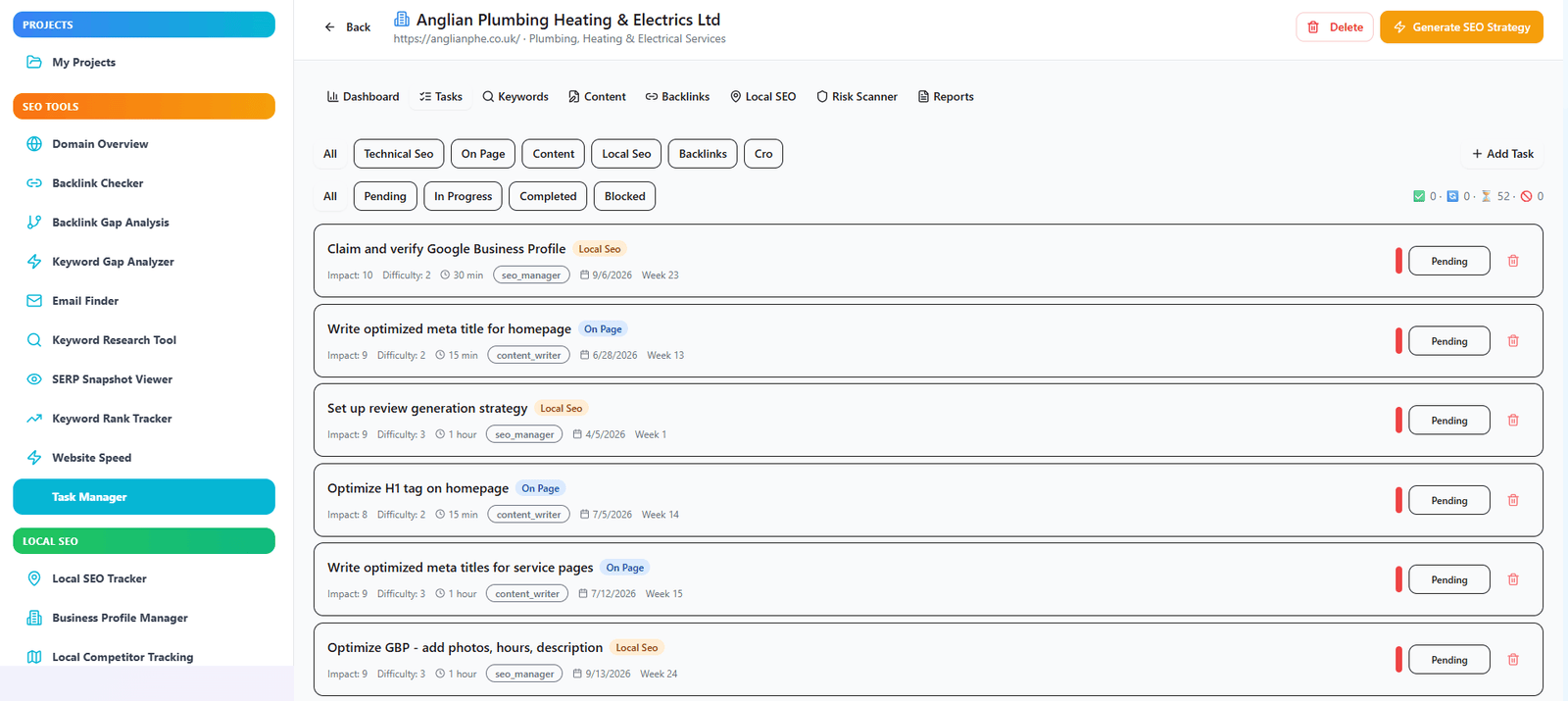
task management interfacereport generation view
🎯 Measurable impact

Why task management transforms SEO teams

Stop losing hours to status meetings and scattered spreadsheets.

Ship Projects 2x Faster

Automated workflows eliminate handoff delays and approval bottlenecks.

Reduce Email Overload by 70%

All task communication lives inside the platform — searchable and auditable.

Improve Team Accountability

Clear ownership, deadlines, and status updates mean no more "I thought you were handling that."

Scale Without Chaos

Onboard new team members with pre-built SEO task templates and SOPs.

Increase Billable Utilization

Time tracking reveals where hours go — optimize for higher-margin work.
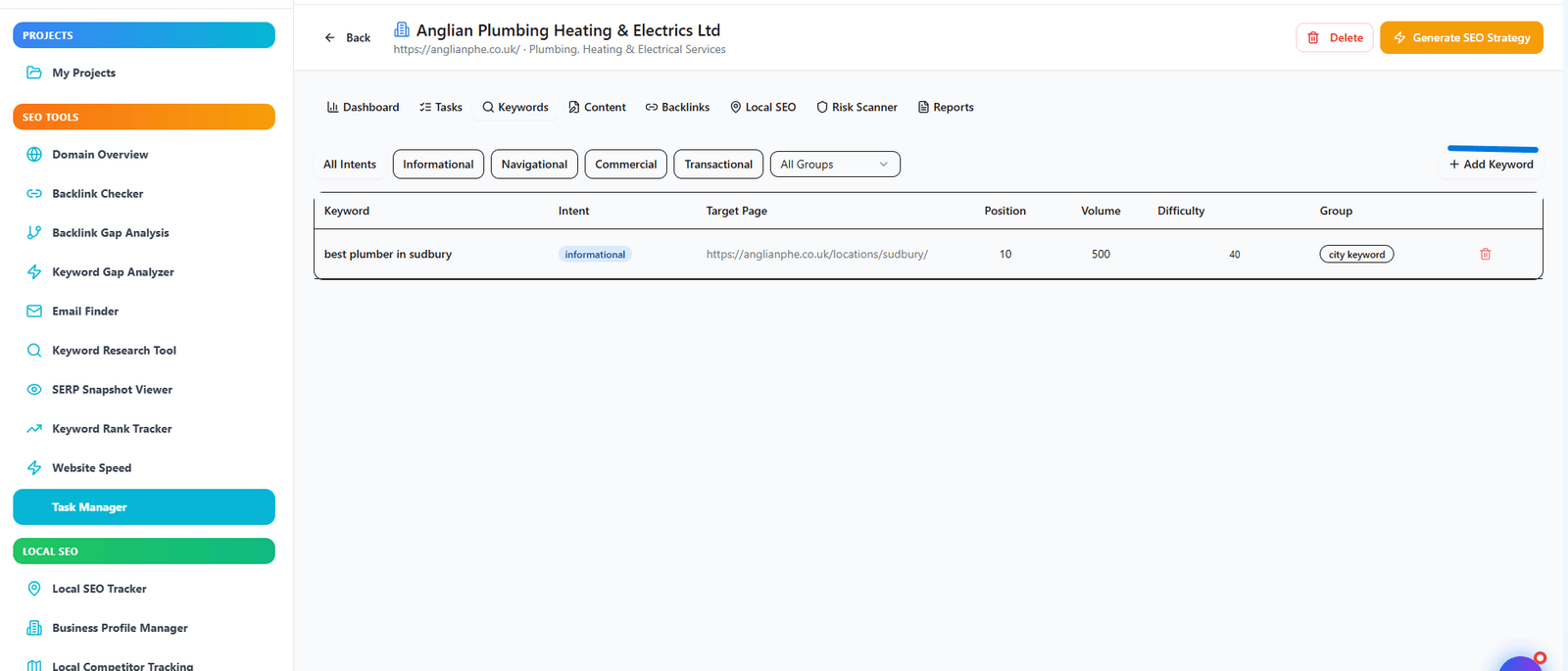
keyword tracking within task managercontent planning dashboard
👥 Perfect for

Who wins with SEO Task Manager

Tailored for teams that deliver results.

🏢

SEO Agencies

  • ✓ Manage 50+ clients from one dashboard
  • ✓ White-label client portals for transparency
  • ✓ Automate recurring SEO audits
  • ✓ Track team utilization and profitability
  • ✓ Onboard new clients with templated workflows
📈

In-House SEO Teams

  • ✓ Coordinate with dev, content, and design teams
  • ✓ Prioritize technical SEO backlogs
  • ✓ Track content production deadlines
  • ✓ Report to leadership on project velocity
  • ✓ Link SEO tasks to business KPIs
✍️

Content Managers

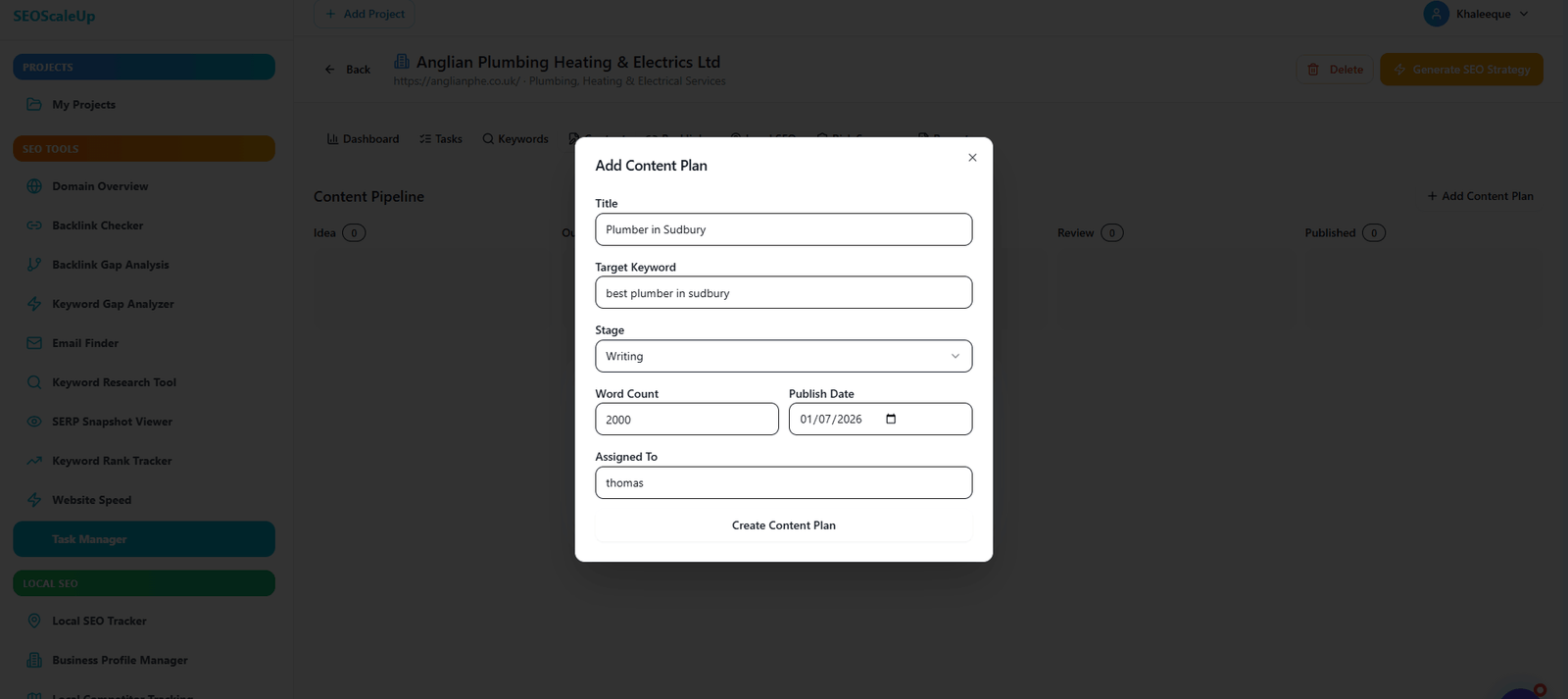
  • ✓ Plan editorial calendars months ahead
  • ✓ Assign writers and track revision cycles
  • ✓ Integrate keyword targets into each brief
  • ✓ Monitor content ROI and rankings
  • ✓ Automate publication reminders
🔗

Link Building Teams

  • ✓ Track outreach sequences and follow-ups
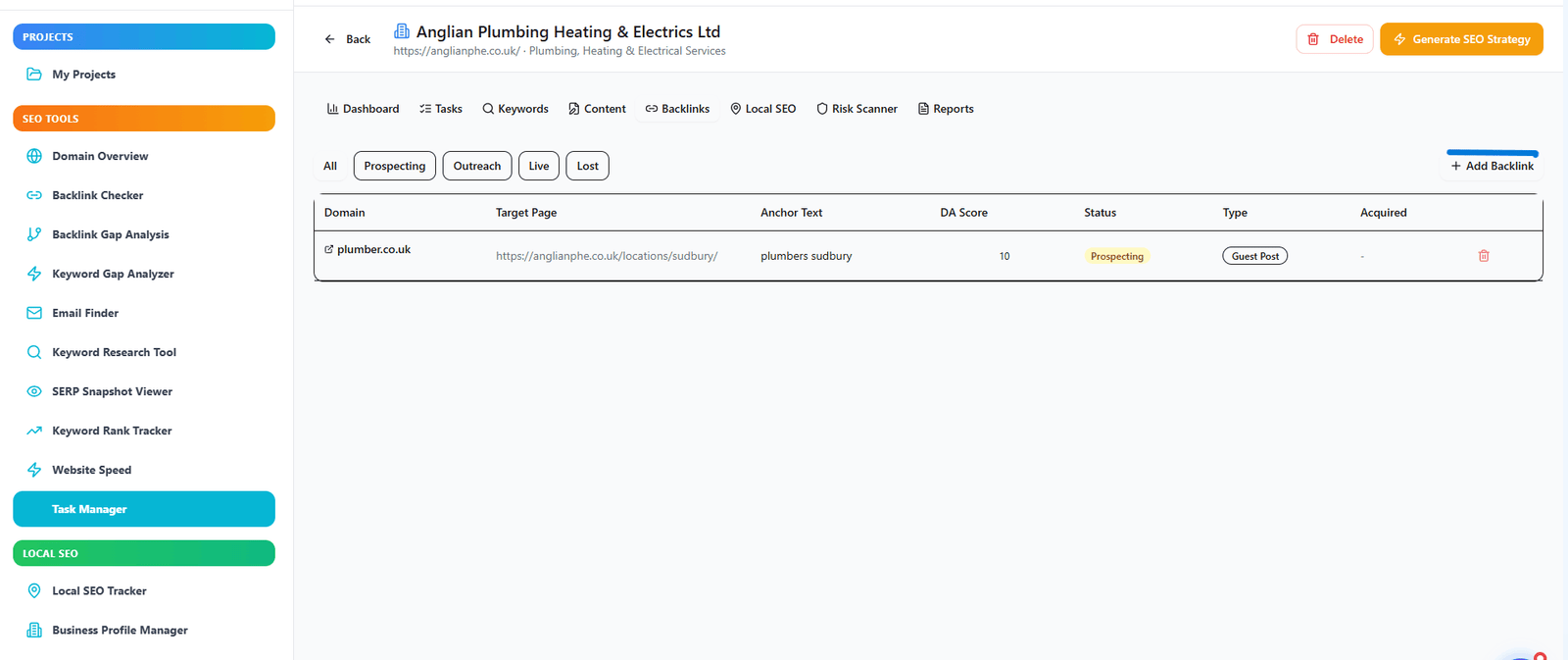
  • ✓ Log acquired links with metrics
  • ✓ Assign prospects to team members
  • ✓ Monitor link status and rejections
  • ✓ Generate monthly link acquisition reports
🏆 Why SEOScaleUp

Built specifically for SEO workflows

Not another generic project management tool — purpose-built for SEO pros.

01

SEO-native templates

Pre-built checklists for technical audits, local SEO, link building, and content optimization.

02

Data integrations

Pull in keyword rankings, backlink data, and analytics directly into tasks.

03

Client-friendly portals

Share progress without exposing internal workflows. Custom branding included.

⚖️ Comparison

Outperforms generic tools & spreadsheets

FeatureSEOScaleUp ✓Manual/Free AltExpensive Paid ($99+)
SEO task templates~
Client white-label portals✓ (extra)
Keyword rank integration
Automated reminders
Time tracking & billing~
Recurring task schedules
Backlink outreach tracking~
API & Zapier integration✓ ($$)
Price/monthFree core0$ (spreadsheets)$99+
❓ FAQ

Common questions about SEO Task Manager

Can I invite clients to view progress?+
Yes, each client workspace has a shareable portal link with view-only access. You control what they see — tasks, reports, or full project details. No login required unless you enable it.
Does it integrate with Google Search Console?+
Yes, you can pull GSC data directly into tasks. For example, create a task to "fix 20 crawl errors" with live error data attached.
Can I automate recurring SEO audits?+
Absolutely. Set monthly or weekly recurring tasks with checklists. Our system will auto-assign them to team members and send reminders.
Is there a mobile app?+
Yes, progressive web app (PWA) works on any device. Install it on your phone for task updates, comments, and quick status changes on the go.
How does time tracking work?+
Team members can start/stop timers per task. Logged hours are summarized in weekly timesheets and exportable for client billing.
Can I import tasks from spreadsheets?+
Yes, bulk import CSV files with task names, assignees, due dates, and descriptions. Perfect for migrating from existing systems.
Is there a free plan for small teams?+
Yes, free tier includes 5 active projects, 3 team members, and core features. Premium unlocks unlimited projects, clients, and advanced reporting.
Can I attach reports to tasks?+
Yes, attach PDFs, CSV exports, screenshots, or even live links to ranking dashboards. All attachments are version-controlled and searchable.
🚀 Get organized today

Stop juggling. Start managing SEO with precision.

Join 4,200+ SEO teams that never miss a deadline or deliverable.

✓ Free forever plan • No credit card • Cancel anytime
SEOScaleUp Tools

🚀 SEOScaleUp Tools

All-in-one SEO toolkit to scale your rankings

SEOScaleUp – Nav & Footer

Your AI-Powered
SEO Command Center

Automate tasks, track rankings, and dominate search — with 30+ tools built for serious SEOs.